
TN SAVIN Covers Monroe County
TN SAVIN is Tennessee's official notification program, run through the Tennessee Sheriffs' Association with VINELink. Every one of the state's 95 sheriffs takes part. That places Monroe County in the statewide county-jail notification network. Notices can cover a release, a transfer, or an escape.
Coverage has edges. VINELink does not hold every past Monroe arrest. It also misses some names that passed through booking. Citizen Connect remains the county's own record of admissions, releases, and who is in custody right now. VINE centers on a single custody record and on signing up for alerts. TN SAVIN calls the service free and confidential, and a live operator with multilingual interpretation answers the phone. The official TN SAVIN instructions appear below.
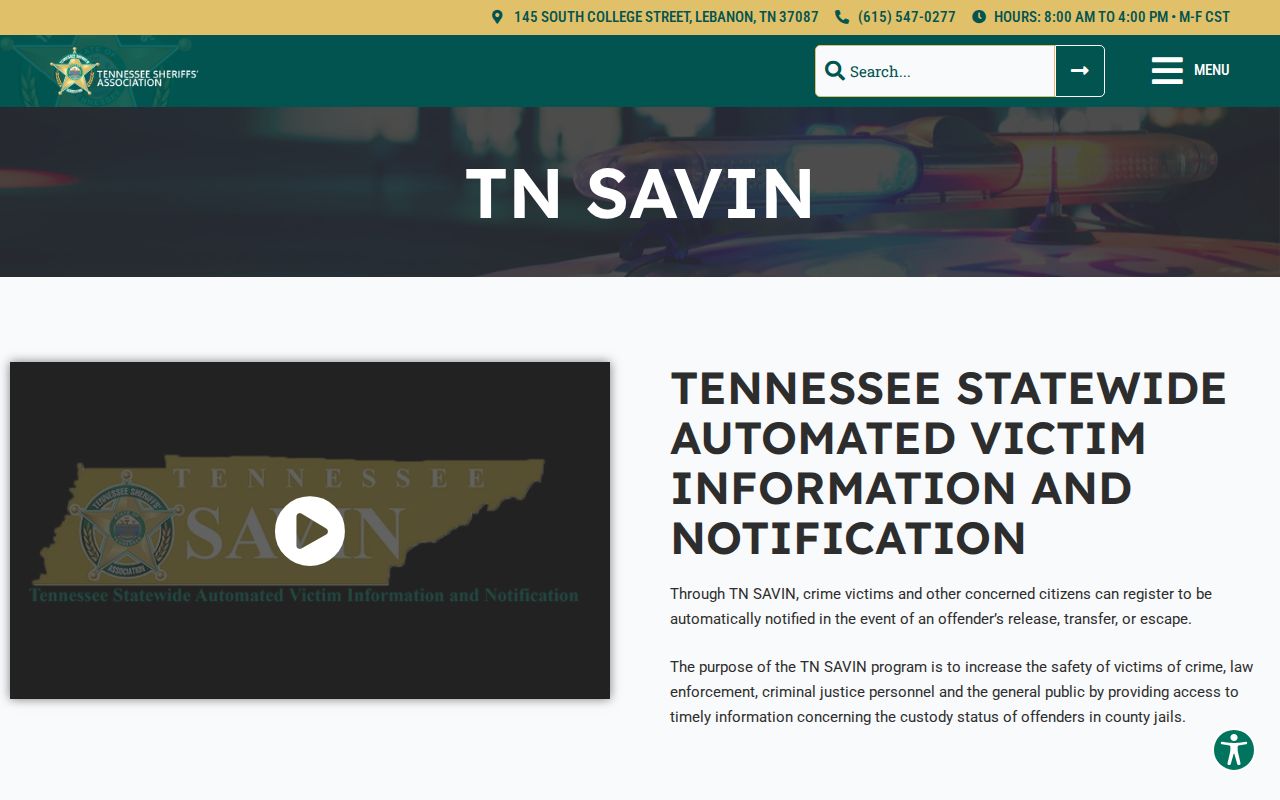
The document lists statewide sheriff participation and the phone and web routes rather than any arrest list.
Check a Monroe Arrest on VINE
Have solid identifying details before you start. One name can pull up several records. A booking or offender ID from an official county source makes a far stronger cross-reference.
- Open VINELink Search and choose Tennessee.
- Select the relevant custody category and enter the person’s name or known identifier.
- Review possible matches carefully rather than choosing only by name.
- Compare the facility, status, identifier, and other displayed details with Citizen Connect.
- Open the correct result and choose the notification option if alerts are needed.
- If no record appears, confirm a fresh booking with Monroe jail administration before concluding the person is absent.
The live VINELink search screen is shown in the capture below.

The image shows the search service itself, not a real person's notification details. Guard private information. Never post a victim's phone number, email, PIN, or registration identity. Reach registration through the selected record. Never assume a direct URL will keep the county context.
What Monroe VINELink Shows
Fields vary with the participating source and the live result. VINELink's job is custody status and alerts. It is not a booking-photo archive. A status can shift after a release or transfer. That shift may land on a different schedule than Citizen Connect.
| VINE item | Purpose | Limit |
|---|---|---|
| Name | Locate a possible custody record | Multiple people may share it |
| Booking or offender number | Distinguish records | Use the official identifier |
| Custody status | Shows the service’s current status | May lag a fresh event |
| Facility | Identifies the reported custodian | Transfers can change it |
| Notification option | Registers for selected changes | Not a court update |
| Release or transfer event | Signals a custody change | Does not resolve charges |
| Photo | Not the service’s core purpose | Do not use VINE as a mugshot source |
A VINE result says nothing about a final case outcome. Compare it with the Monroe Circuit Court Clerk for arraignment and disposition details.
Register for Monroe Custody Alerts
Registration attaches to one verified record. TN SAVIN lets users sign up online or call 1-888-868-4631. Phone signups confirm notices with a four-digit PIN. Email registrations may skip one. Follow the prompts during signup, since channels and confirmation steps can change.
- Select the correct person and choose Get Notified or the equivalent alert action.
- Choose an available delivery channel, such as phone or email, and enter only your own contact information.
- Create the requested four-digit PIN for phone alerts and store it privately.
- Confirm the registration as directed without exposing the PIN or contact details.
- Keep the jail and VINELink numbers available in case a notice needs verification.
- Update or cancel the registration through the service when it is no longer needed.
Alerts can cover release, transfer, escape, or another supported custody change. They inform rather than guarantee. Keep a separate safety plan, and call 911 in an emergency.
Fresh Monroe Bookings Can Lag
Citizen Connect and VINELink update through separate workflows. Someone can show up in the county admission system before VINE gets the record. The two screens may not change at the same moment either. That gap alone doesn't make either system wrong.
For a fresh arrest, confirm with the rolling Monroe admission view. Jail administration answers at (423) 442-3911, option 3.
No name showing up? Retry with the booking number and check the spelling. Confirm that both Tennessee and the correct facility are selected before you give up. A city arrest often lands in Monroe County detention. For that reason, search the county custodian rather than a city jail. A released person may need the release search or a records request. The Sheriff site and Citizen Connect do go down at times. An access error is not proof of no custody. Keep the direct official links handy and use the phone when needed.
State and Federal VINE Boundaries
TDOC's victim services page handles the state-prison side of VINE. That matters when a person moves from Monroe County detention into state correctional custody. The TDOC Offender Search separately covers felony offenders now or formerly under state custody or supervision. It may show a photo, status, location, sentence, parole, and release details. It still doesn't turn a county booking into a state-prison record.
The Federal Bureau of Prisons locator handles federal inmates. It does not fully cover federal pretrial detention. It also sits outside TN SAVIN. U.S. Marshals, though, often hold pretrial detainees in contract facilities. A federal court or custodian may be the right contact. The official federal locator shows that boundary.
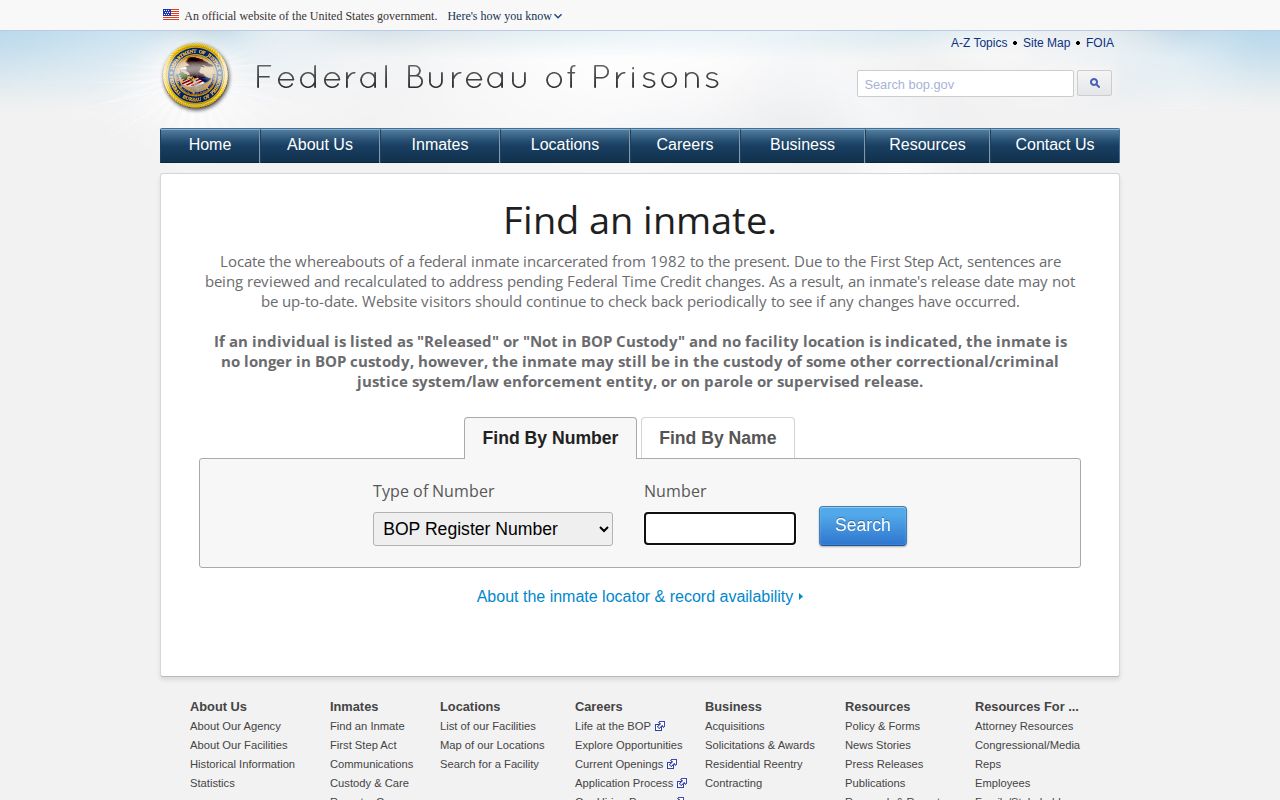
Never treat the federal locator as the Monroe jail's arrest or notification source. DHS-VINELink runs separately for immigration custody. Tennessee lists Monroe among counties in a 287(g) program. That alone doesn't establish a hold in any given case. One TN SAVIN registration can't be assumed to span every system. County, state, federal, and immigration custody are separate.
VINE Alerts and Court Results
A release alert only tells you custody changed. It says nothing about the case itself. A transfer alert works the same way. It shows where a Monroe County detainee moved along the custody chain without explaining any court action behind it. Think of each notice as one piece of a larger puzzle rather than a final answer.
For arraignment results, general sessions dockets, and later dispositions, the Monroe Circuit Court Clerk is the right office to call. Each system has one job. Citizen Connect covers booking and county custody, TN SAVIN and VINELink handle notice, the clerk holds the case outcome, TDOC tracks state custody, and federal matters need the proper federal tool. Keeping those roles straight keeps a simple notification from being mistaken for a full criminal-history report.
VINE sends an alert once Monroe County court results change.
Handling Multiple VINE Matches
A common name in Monroe County can pull up several people at once. Don't grab the first match. Compare identifiers and the listed facility before you register. If the details don't settle the identity, stop and call the jail for help. Signing up for the wrong record can deliver notices about a total stranger. Keep booking numbers private too. Share them only for an official search of recent arrests or custody status.
Your notification settings are personal data as well. Never expose a phone number, email, PIN, or victim registration in a public request or screenshot.
Guard your confirmation numbers and alert settings, and check any urgent notice directly with the custody office that sent it. Alerts supplement official confirmation; they never replace it.